Underscore Logo
Change Academy
Training
Corporate Training Courses Leadership and Personal Development - New Manager Training Systems and Office Applications - Microsoft 365 Productivity Project Management Public Course Dates
About Contact Insights Tools Podcast
Log In
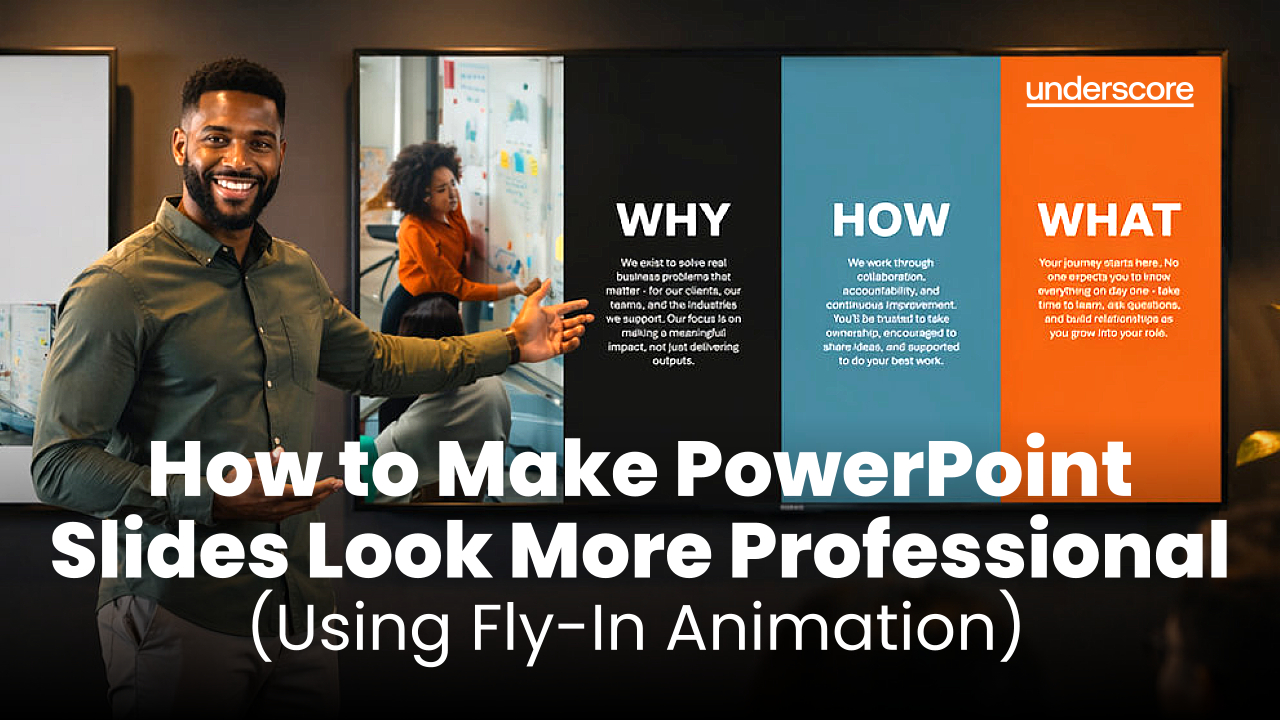
A presenter stands between two screens in a dark, modern office, smiling and pointing to a colourful “Why, How, What” slide on the right to highlight it as the better design, while a simpler, text-heavy slide appears on the left. Overlay text reads “How to Make PowerPoint Slides Look More Professional (Using Fly-In Animation)” with the Underscore logo in the top corner.
How to Make PowerPoint Slides Look More Professional (Using Fly-In Animation) advanced animation fly in microsoft 365 powerpoint systems & office applications tom vanhinsbergh tutorial
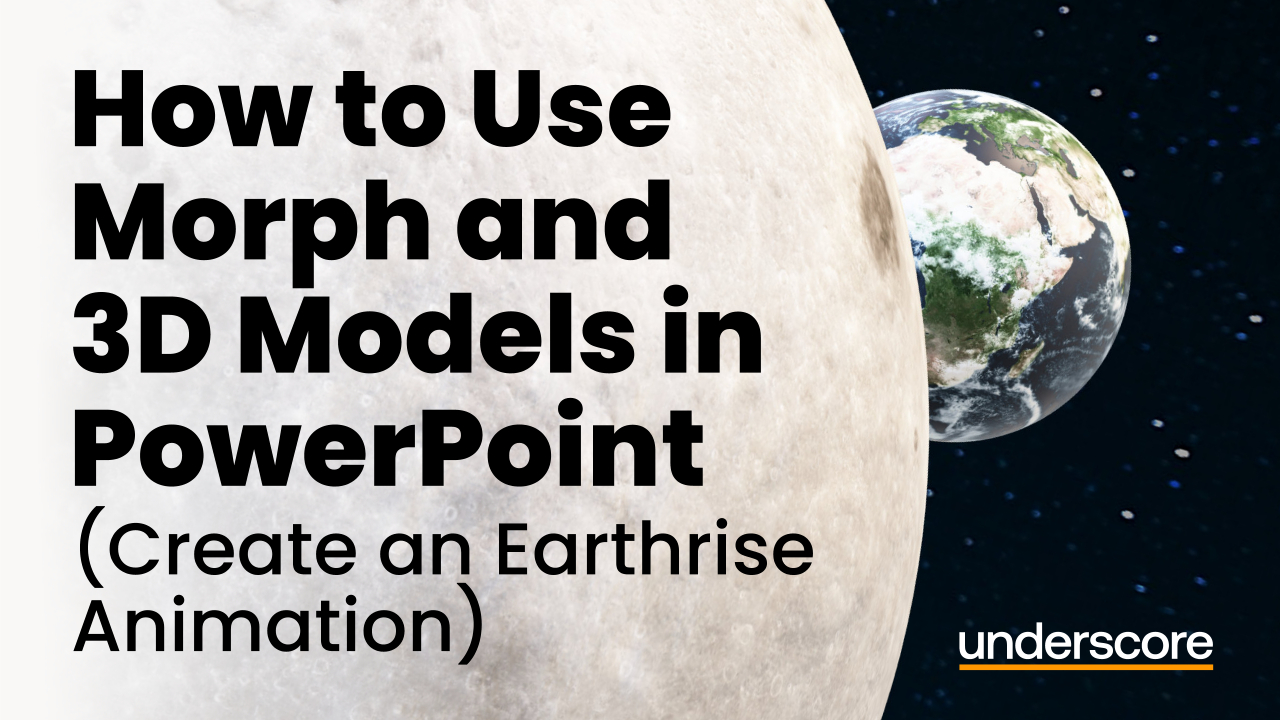
Large moon in foreground with Earth rising behind it against a space background, with text reading “How to Use Morph and 3D Models in PowerPoint (Create an Earthrise Animation)” and Underscore logo.
How to Use Morph and 3D Models in PowerPoint (Create an Earthrise Animation) advanced animation microsoft 365 powerpoint systems & office applications tom vanhinsbergh tutorial

Categories

All Categories advanced animation beginner blog business change case study early careers emma-jane haigh emotional intelligence excel fly in hr transformation imposter syndrome leadership development microsoft 365 outlook people development people management power bi powerpoint project management resilience susan howard systems & office applications tom vanhinsbergh training tutorial virtual learning word workday

Follow Us

Footer Logo
© 2026 Underscore Group

Looking for something specific?

Tell us what you’re trying to improve and we’ll help you find the right approach, training or solution.

Join Our Free Trial

Get started today before this once in a lifetime opportunity expires.