
Excel Training for Businesses and Teams
Help your people spend less time wrestling with spreadsheets and more time putting their data to work.
12 practical courses, from everyday essentials to advanced analysis and automation. Delivered live, online or onsite for your organisation.
Discuss your team's Excel training Explore all Excel courses
12 Excel courses
Core, specialist and technical skills
Live, instructor-led learning
Practical exercises and guidance
Virtual & onsite delivery
For teams across the UK
Where is Excel slowing your team down?
Excel is part of everyday work in finance, HR, operations and administration. Familiarity with a spreadsheet does not always mean people know the most effective way to use it.

01 / TIME
Reports take too long to prepare
Develop skills in formulas, Pivot Tables and data preparation so employees can approach recurring reporting tasks more efficiently.
02 / CONFIDENCE
Ability varies across the team
Give newer and self-taught users solid foundations while experienced colleagues develop the specialist skills their roles need.
03 / CONSISTENCY
Spreadsheets need repeated correction
Build understanding of how formulas and data work, helping people check their approach and use more consistent methods.
04 / CAPACITY
The same people answer every Excel question
Broaden capability across the team so more employees can tackle everyday spreadsheet tasks independently.
FOR HR, L&D AND DEPARTMENTAL BOOKERS
Plan the right Excel training for your people.
You do not need to choose every course before you get in touch. Tell us what your teams use Excel for, where they get stuck and what you would like them to do more confidently.
Talk through your requirements
1. Start with your priorities
Share the reporting, data or everyday spreadsheet tasks you want to improve, along with approximate learner numbers.

2. Find a suitable starting point
Discuss current experience and relevant courses. Different roles and levels of confidence may need different learning routes.

3. Agree the delivery
Explore private onsite or live virtual sessions, timing and any tailoring required for your organisation.

4. Put new skills into practice
Use practical learning and the Excel Practice Hub to help employees revisit skills after their course.
Everyday essentials to advanced automation.
Choose a starting point that fits the work your people do. The four core modules provide a progression; specialist courses develop particular skills. You do not need to take all 12.
Core Excel Skills
Excel Module 1 – Key Skills and Formula Creation
Start from the ground up and learn tips, tricks, shortcuts and build confidence in using Excel.
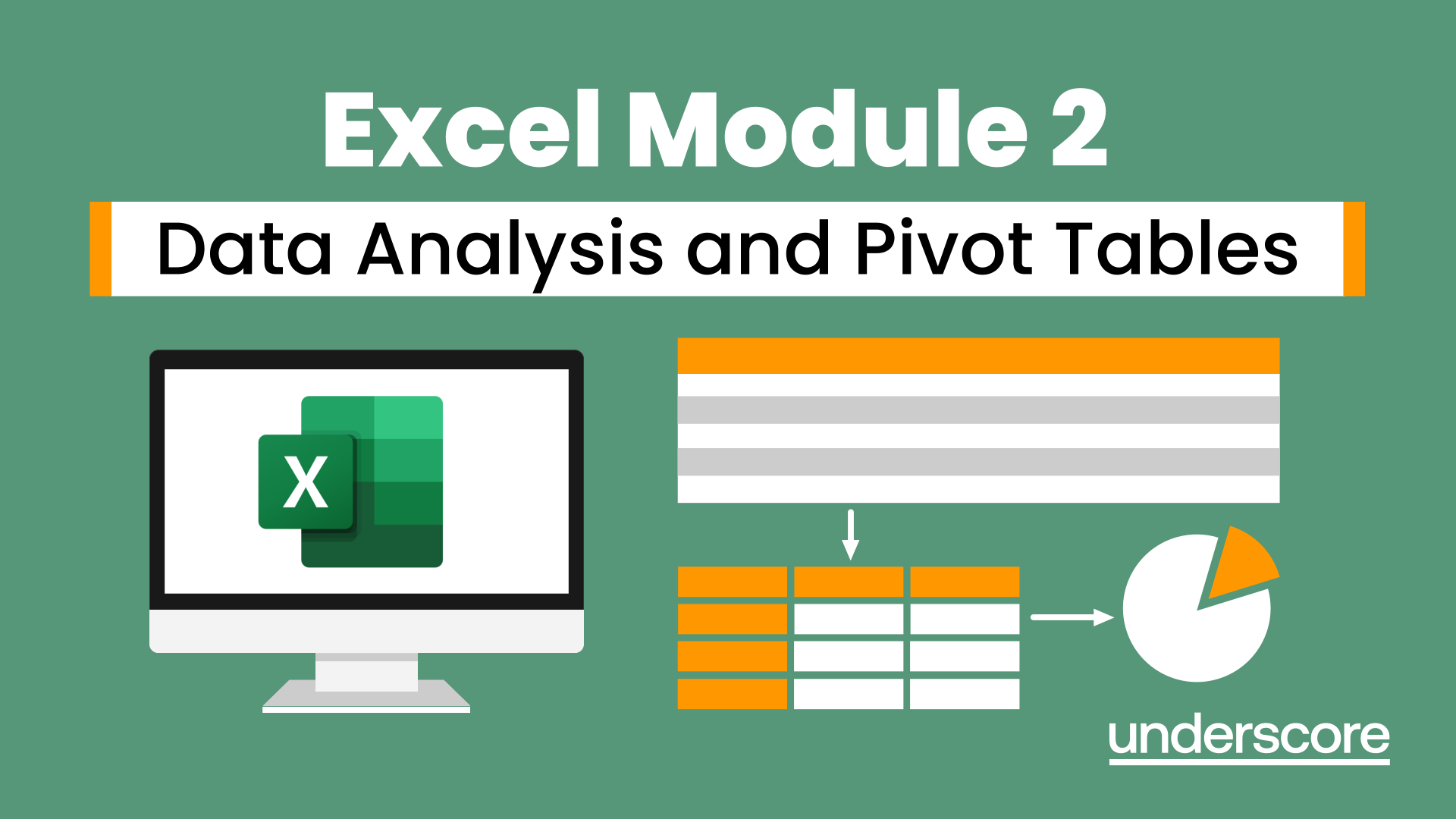
Excel Module 2 – Data Analysis and Pivot Tables
Expand your Excel knowledge and learn how to structure and analyse large data sets.
Excel Module 3 - Reporting and Automating
Take things a step further and improve your knowledge of some of the more niche Excel techniques to help manage your data
Excel Module 4 – Advanced Formulas and Functions
Enhance your skills and learn how to use a range of advanced formulas and functions to manage and extract data more efficiently.
Specialist Courses
Excel – Exploring Formulas and Functions
Ideal for those already using Excel but who really want to get to grips with formulas and functions.
Excel - Pivot Table Specialist
An in depth look at Pivot Tables and their powerful features to summarise and visualise your data.
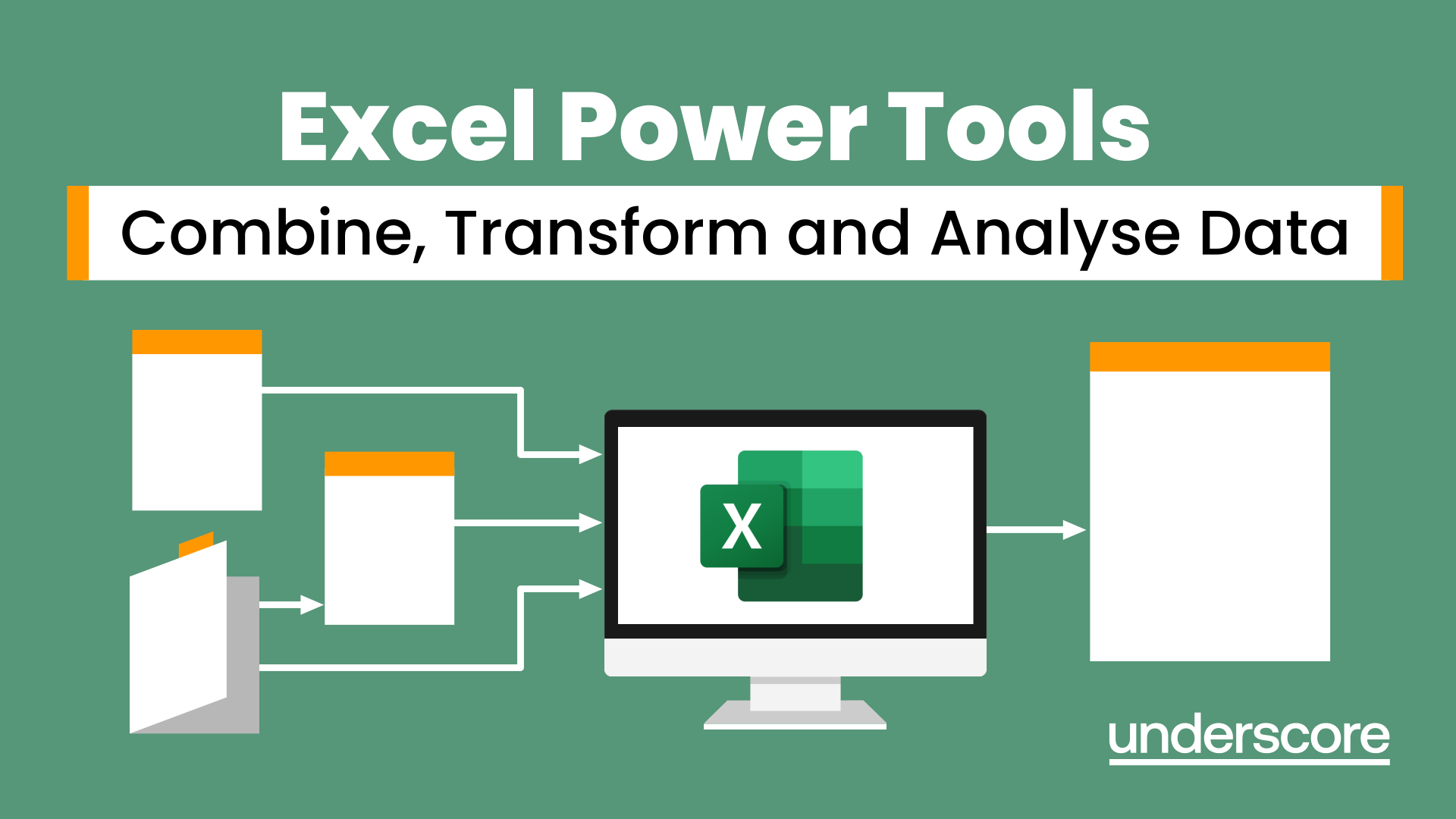
Excel Power Tools – Combine, Transform and Analyse Data
Learn how to work with and connect multiple data sets to effectively analyse and report on data.

Excel Charting Specialist
Look at the in depth features of charts and some specialist tools to make your charts come to life.
Excel Advanced Statistical Analysis
Use some of the hidden statistical analysis tools within Excel to build complex data models.
Macros & VBA
Excel – Working with Macros
Learn how to use Macros in Excel to automate your work and start to see the power these can give you.
VBA in Excel – Part 1
Following on from the Macros course look at how you can write your own Visual Basic code within Excel to fully automate tasks and save time.
VBA in Excel – Part 2
Expand your VBA knowledge further and learn some of the more advanced coding features.
Booking for a team with mixed experience? Ask us to help you choose a suitable route.
For individual places, view the public training programme.
LEARNING THAT CARRIES INTO WORK
Build confidence through practice.

Excel Practice Hub
Our Excel Practice Hub offers short exercises to revisit what you have learned. Use them to refresh skills and explore the next steps in your development.
“I feel so much more confident now using Excel.”
Finley Parks
Procurement Assistant, Cafcass
Excel Module 1 delegate
Excel training in Horsham and West Sussex.
Underscore Group is based at Dawes Farm, just outside Horsham. If you are arranging Excel training for a business in Horsham, Crawley or elsewhere in West Sussex, speak to us about training at your workplace or live online.
For organisations with teams further afield, we also deliver virtual and onsite training across the UK. Discuss your locations and requirements with us when enquiring.
A local team to talk to
Underscore Group Ltd
Dawes Farm, Bognor Road
Horsham, West Sussex
RH12 3ZG
We can help you find the right Excel training for your team, whether that's delivered online or at your workplace.
Office visits by appointment.
Questions from Excel training bookers.
Can we book private Excel training for our company?
Which Excel course should our employees attend?
Do you deliver Excel training in Horsham and West Sussex?
Can you train teams outside Sussex?
How much does corporate Excel training cost?
Can we discuss tailoring the training?
What if we only have one or two people to train?
What would better Excel skills change for your organisation?
Tell us what you would like to improve. We’ll help you explore suitable courses and delivery options.
Discuss your team's Excel trainingUseful things to include
Your organisation, approximate learner numbers, the tasks your people want to improve and your preferred timing. It is fine if you are still working out the details.