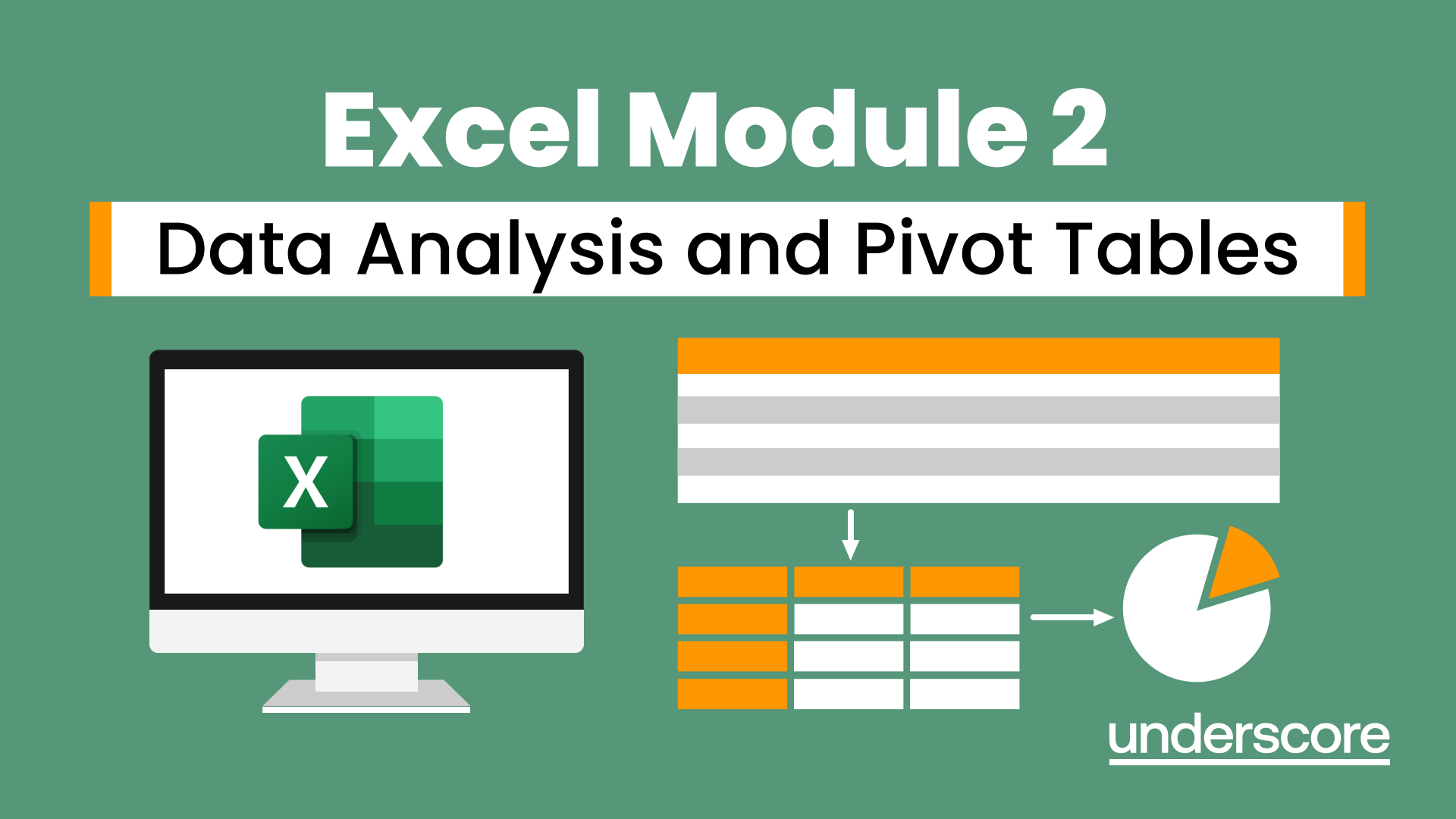
Excel Module 2 - Data Analysis and Pivot Tables
Learn how to manage, clean and analyse larger datasets with confidence. This hands-on Module 2 course introduces Excel tables, filters, slicers and pivot tables so you can turn raw data into clear insights.
In this course, you will learn how to:
- Organise and structure data using Excel tables
- Sort, filter and use slicers for fast analysis
- Apply conditional formatting to highlight patterns
- Link data across worksheets and workbooks
- Create, customise and drill into pivot tables and pivot charts
Who is this course for?
Excel users who can create simple formulas and now want to feel more confident analysing and organising data. Ideal for administrators, analysts, coordinators and managers who work with large or messy datasets..
Enquire Now
Is your team spending too much time sorting out spreadsheet data?
Many organisations rely on Excel every day, but still lose time cleaning messy data, checking reports, fixing errors or relying on one or two confident users to make sense of everything.
Excel Module 2 helps people move beyond basic spreadsheet use and start working with data more confidently. By learning how to organise, filter, validate and analyse information using tables and pivot tables, delegates can work more efficiently and produce clearer, more reliable reports.
The result is less time wrestling with spreadsheets and more time making informed decisions.
Frequently Asked Questions
Who is this Excel Module 2 course aimed at?
What prior Excel skills do I need before taking Module 2?
What outcomes will I achieve at the end of the day?
Can this course be tailored for team or organisational requirements?
Is this course delivered online or onsite, and what are the logistics?
How do I book Excel Module 2 – Data Analysis and Pivot Tables?
Course Outline

Course overview
Duration: 1 day (6.5 hours)
Our Excel Module 2 – Data Analysis and Pivot Tables course looks at how to handle your data more efficiently. It looks at creating data to give a more visual appearance and shows tips and tricks for creating your own dashboards. It looks at how to manage large amounts of data and the best ways to handle and analyse data.
This course is aimed at existing users of Excel who want to increase their skills. Participants should be able to create and amend worksheets and build simple formulas.

Objectives
By the end of the course you will be able to:
- Manage worksheets and workbooks
- Link information between workbooks and worksheets
- Setup conditional formatting
- Create and manage data
- Filter and sort information
- Setup data validation
- Create and amend pivot tables
- Customise pivot tables

Content
Formula review and working with multiple worksheets
- Building formulas and ordering calculations
- Absolute cell references
- Using functions
- Moving and copying worksheets
- Inserting and deleting worksheets
- Grouping worksheets
- Changing the worksheet tab colour
Transferring and linking data
- Linking within a workbook
- Linking between workbooks
- Updating and managing links
Working with data
- Organising data using Excel tables
- Table formatting
- Adding calculations into table columns
- Adding total rows
- Converting to an ordinary range
Sorting and filtering data
- Sorting and filtering information
- Using date, number and text filters
- Using the search filter
- Adding slicers
Conditional formatting
- Changing the cell format depending on set criteri
- Databars, Top/Bottom Rules, Colour Scales and Icon Sets
- Creating custom formula rules
Setting up data validation
- Setting number and date validation
- Setting drop down list validation
- Setting custom validation
Analysing information using pivot tables
- Creating and modifying a Pivot Table
- Recalculating the Pivot Table
- Filtering the Pivot Table
- Searching the Pivot Table
- Drilling down to underlying data
Pivot table customisation
- Customising field names
- Changing field formatting
- Pivot Charts
- Using Slicers
Why Choose Underscore for Corporate Excel Training?
Underscore Group delivers practical, instructor-led Excel training for businesses, administrators, analysts and finance teams across the UK. Based in Sussex and working nationally, we specialise in helping people build real confidence with Excel at every level - from core skills to advanced reporting.
We provide virtual and onsite Excel training for teams, tailored to your organisation’s data, workflows and learning needs. Our Excel courses are used by organisations in sectors including finance, aviation, healthcare, construction and professional services.

- Trusted by leading UK organisations
- Expert trainers with real business experience
- Small-group sessions (6–8 people)
- Practical, hands-on learning approach
- Virtual & onsite delivery across the UK
- Six months of post-course support
Get in Touch

Still have questions about this course?
Click Enquire Now and our team will share full details on content, dates, and pricing — and help you decide if it’s the right fit for you or your organisation.
Enquire NowLooking for training in a different area?
Browse all our Corporate Training Courses across Leadership, Project Management and Microsoft 365.
Browse All Courses →Related Courses
Excel Module 1 – Key Skills and Formula Creation
Start from the ground up and learn tips, tricks, shortcuts and build confidence in using Excel.
Excel Module 3 - Reporting and Automating
Take things a step further and improve your knowledge of some of the more niche Excel techniques to help manage your data
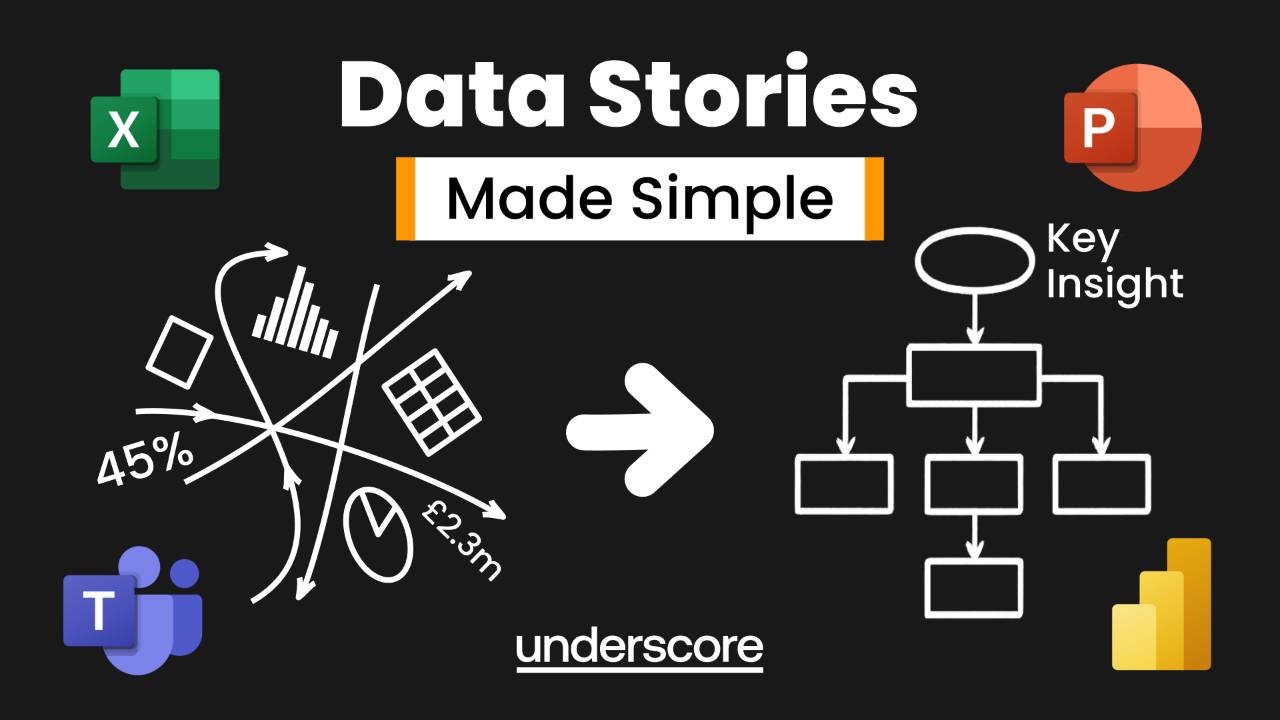
Data Stories Made Simple
Turn charts, dashboards and slides into clear, compelling stories. Learn simple techniques to identify key insights, structure your message, and present data with clarity, confidence and impact.

Additional Insights
Continue your learning with tools, related articles, case studies, and podcast episodes that explore how these skills are applied in real-world contexts.
Explore More Training Options
Public Training Programme
Explore our current selection of public courses, available as convenient and cost-effective virtual sessions.
Engage with expert instructors and a diverse peer group in an interactive, online learning environment.
Ideal for those valuing flexibility and affordability, our public courses are ideal where you only have small numbers requiring training and offer training from the comfort of your home or office.
Check Public DatesFull Training Catalogue
We deliver a wide range of training across Leadership, Personal Development, Project Management, and IT applications. Many organisations choose us because they can source both technical and people-focused training from one trusted provider.
Courses can be tailored to your organisation’s needs, making it easier to upskill teams consistently across different areas. Whether you want to build management capability, strengthen project delivery, or boost everyday software skills, you’ll find relevant options in our catalogue.