Project – Advanced Planning and Control
Take your Microsoft Project skills further. This advanced planning and control course helps you manage complex schedules, resources and dependencies with greater accuracy, flexibility and control.
In this course, you will learn how to:
- Use advanced task types and scheduling techniques
- Manage resource workloads, rates and constraints
- Create custom fields, tables and calculated data
- Track progress accurately and manage schedule changes
- Build tailored views, filters and reports
Who is this course for?
Experienced Microsoft Project users who already build and resource schedules and want deeper control over planning, resourcing and progress tracking.
Enquire Now
Are complex projects becoming harder to manage?
As projects grow, managing changing priorities, competing resources and detailed schedules becomes increasingly difficult. Without the right techniques, plans quickly become difficult to maintain.
This course develops advanced Microsoft Project skills, helping delegates manage more complex schedules, resources and reporting with greater flexibility and control.
The result is more reliable project plans, improved resource management and better decision-making throughout project delivery.
Frequently Asked Questions
What will I learn on the Microsoft Project Advanced Planning and Control course?
Who is the Microsoft Project Advanced Planning and Control course for?
What experience do I need before attending this course?
How is Microsoft Project Advanced Planning and Control training delivered?
How will this course help with complex project delivery?
What support is included after the Microsoft Project Advanced Planning and Control course?
Course Outline

Course overview
Duration: 1 day (6.5 hours)
Our Project – Advanced Planning and Control course looks at advanced planning and resourcing techniques in Microsoft Project and how to customise your schedule to give better visibility and flexibility.
The course is designed for experienced users of Project who have attended our Project Planning and Control introduction course or have equivalent knowledge. You must be confident using Project to build and resource schedules and create task dependencies.

Objectives
By the end of the course you will be able to:
- Work with different types of task
- Amend resource load on a task
- Work with multiple resource rates
- Create custom tables
- Add custom fields
- Create calculated fields
- Add drop down lists in fields
- Filter and extract information
- Create new views
- Export information

Content
Advanced planning techniques
- Splitting tasks
- Task types
- Spreading work across activities
Advanced resourcing techniques
- Resource types
- Assignment views
- Effective dates
- Work contours
- Overtime work
- Using multiple resource rates
Creating custom tables
- Customising tables
- Adding fields
Creating custom fields
- Adding text, number, date and time fields
- Using flag fields
- Defining pick lists
- Renaming custom fields
Creating calculated fields
- Creating formulas
- Using graphical indicators
Uploading and tracking progress
- Completing work
- Completing work per resource
- Updating tasks
- Updating the project
- Working with the status date
- Rescheduling work
- Viewing baseline against schedule
- Project overview statistics
Working with filters
- Building standard filters
- Building interactive filters
- Task and resource filters
- Using highlight filters
Creating custom views
- Creating customised views
- Customising text styles
- Using grouping techniques
Exporting information
- Exporting to Excel
Why Choose Underscore for Microsoft Project Training?
Underscore Group delivers practical, instructor-led project management software training that helps people plan, track and control projects with confidence. Based in Sussex and supporting organisations across the UK, we focus on real-world planning, reporting and risk tools used to manage projects across the full lifecycle.
Our training goes beyond software features to show how project management tools are applied in live project environments. Every session is tailored to your organisation’s planning maturity, governance and reporting needs, ensuring techniques translate directly into day-to-day project delivery. Our programmes are trusted by organisations across infrastructure, construction, aviation, finance and professional services.
- Trusted by leading UK organisations
- Expert trainers with real business experience
- Small-group sessions (6–8 people)
- Practical, hands-on learning approach
- Virtual & onsite delivery across the UK
- Six months of post-course support
Get in Touch

Still have questions about this course?
Click Enquire Now and our team will share full details on content, dates, and pricing — and help you decide if it’s the right fit for you or your organisation.
Enquire NowLooking for training in a different area?
Browse all our Corporate Training Courses across Leadership, Project Management and Microsoft 365.
Browse All Courses →Related Courses
Project – Planning and Control
Learn how to use Microsoft Project to create and resource robust project plans and how to maintain and track throughout the project lifecycle.
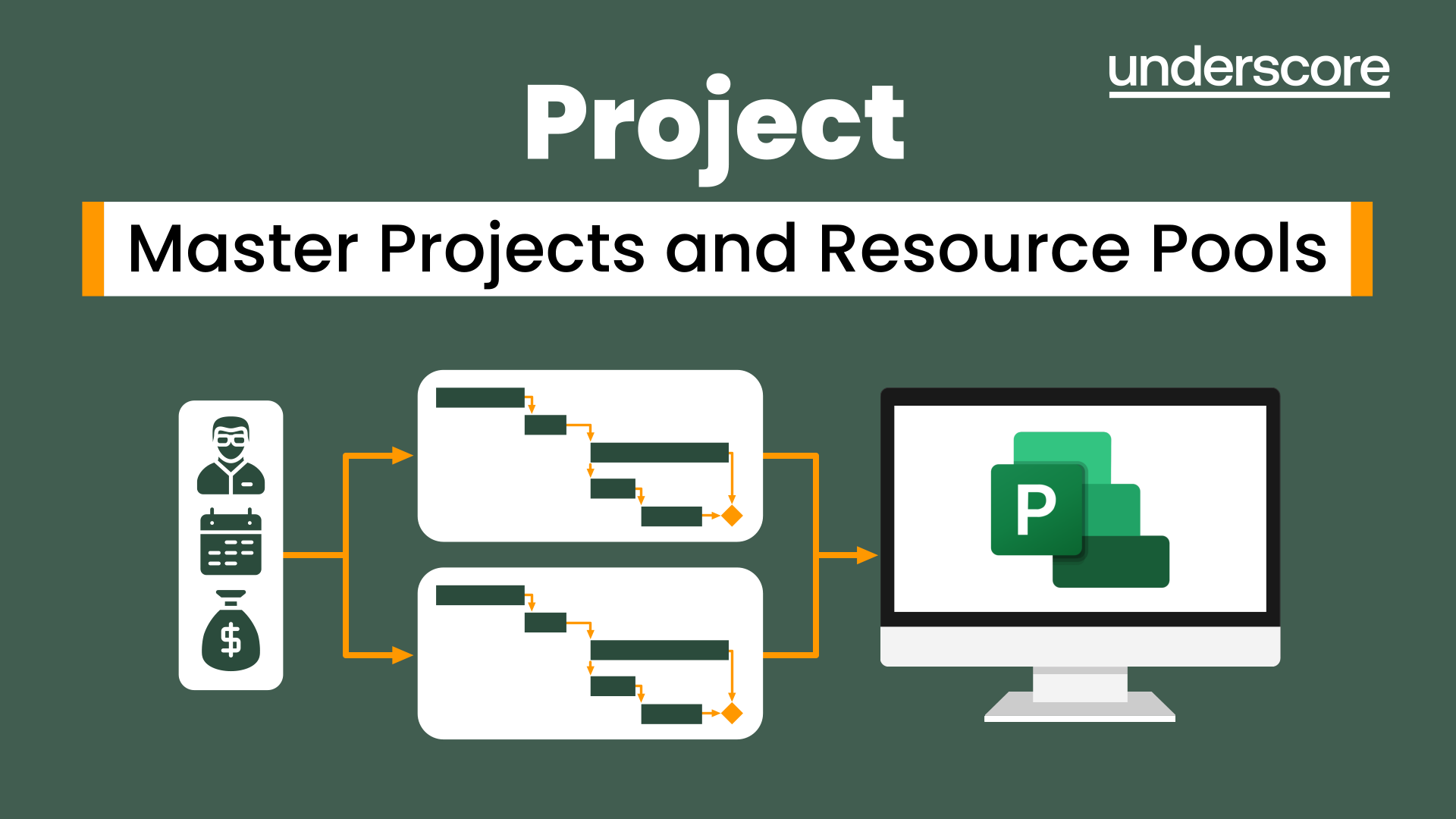
Project – Master Projects and Resource Pools
Learn how to use Master Projects and Resource Pools to create better visibility across projects.
Project – Reporting
Use the features in project to report effectively on your plans.

Additional Insights
Continue your learning with related tools, articles, case studies, and podcast episodes that explore how these skills are applied in real-world contexts.
Explore More Training Options
Public Training Programme
Explore our current selection of public courses, available as convenient and cost-effective virtual sessions.
Engage with expert instructors and a diverse peer group in an interactive, online learning environment.
Ideal for those valuing flexibility and affordability, our public courses are ideal where you only have small numbers requiring training and offer training from the comfort of your home or office.
Check Public DatesFull Training Catalogue
We deliver a wide range of training across Leadership, Personal Development, Project Management, and IT applications. Many organisations choose us because they can source both technical and people-focused training from one trusted provider.
Courses can be tailored to your organisation’s needs, making it easier to upskill teams consistently across different areas. Whether you want to build management capability, strengthen project delivery, or boost everyday software skills, you’ll find relevant options in our catalogue.