
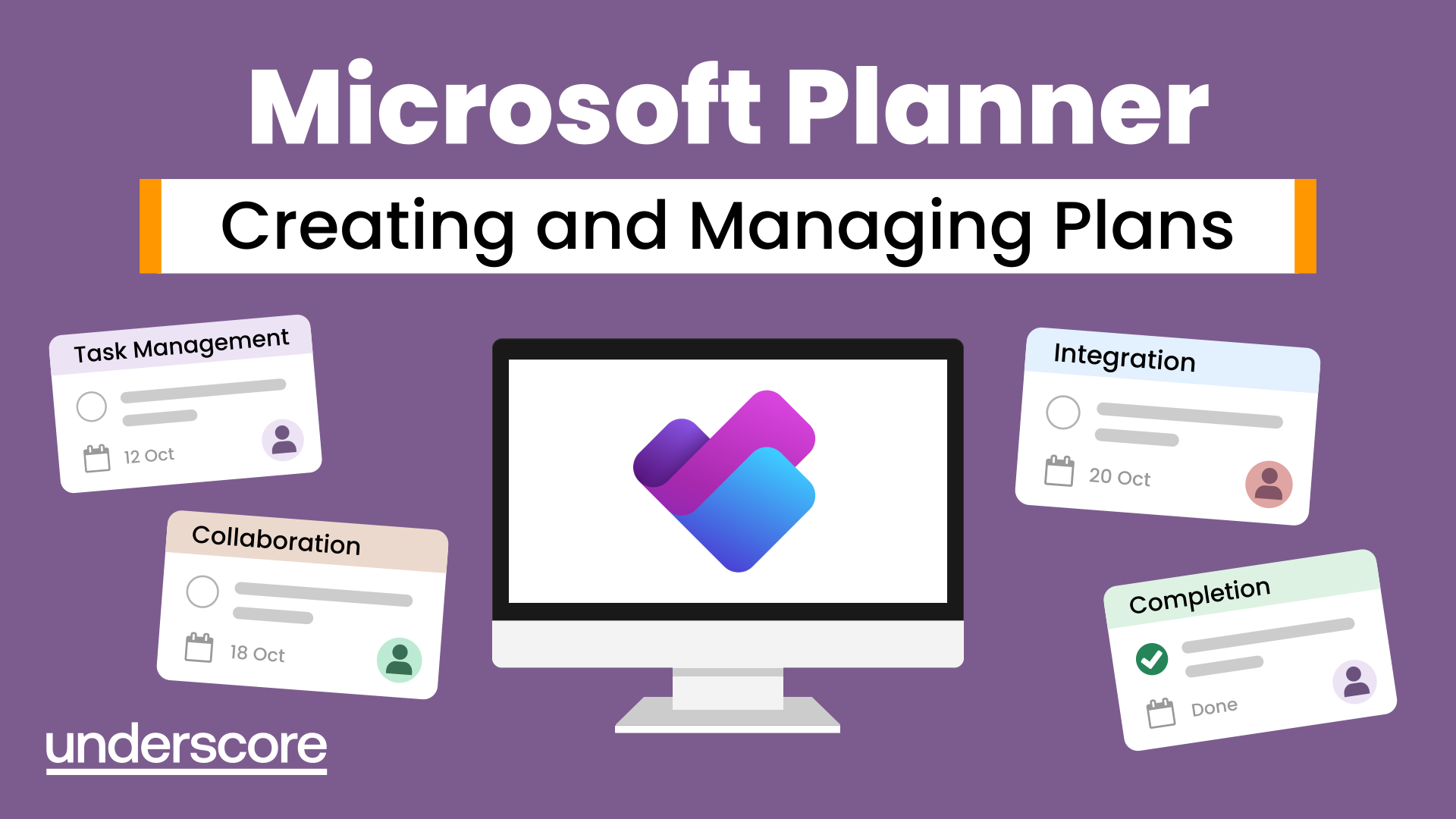
Microsoft Planner – Creating and Managing Plans
Struggling to keep track of team tasks, deadlines and responsibilities? This practical Microsoft Planner course shows you how to organise work, assign tasks and keep track of progress using Planner, Teams and Outlook.
In this course, you will learn how to:
- Set up and organise plans in Microsoft Planner
- Create and manage buckets and tasks
- Assign responsibilities and due dates
- Collaborate with colleagues on shared tasks
- Use filters, groupings and different views to monitor progress
- Integrate Planner with Microsoft Teams and Outlook
Who is this course for?
Anyone who needs a simple way to organise and coordinate work across a team. Ideal for managers, project teams, administrators and colleagues who currently rely on emails, spreadsheets or informal task lists to keep track of shared work.
Enquire Now
Is your team keeping track of work in too many different places?
Tasks agreed in meetings. Actions buried in emails. Updates shared in Teams. Deadlines kept in spreadsheets – or simply remembered by the person responsible.
When work is managed across different places, it can become difficult to see what needs doing, who is responsible and whether things are on track.
Microsoft Planner provides teams with a simple, visual way to organise shared work. This course shows delegates how to create plans, allocate tasks, set deadlines and monitor progress – while connecting Planner with tools they already use, including Teams and Outlook.
The result is better visibility, clearer accountability and an easier way for teams to keep work moving.
Frequently Asked Questions
Who is the Microsoft Planner Creating and Managing Plans course for?
What will I learn on the Microsoft Planner course?
How can Microsoft Planner help my team?
Does Microsoft Planner work with Teams and Outlook?
Do I need previous experience with Microsoft Planner?
How is the training delivered?
How can I use Microsoft Planner to organise my team's workload?
Course Outline

Course overview
Duration: 2 hours
Our Microsoft Planner course looks at how you can work collaboratively with colleagues on various projects by using an online project management tool which integrates with Microsoft Teams and Outlook.
By the end of the course, you will be able to identify the key features and functionality of Planner. You will learn how to set up a plan, create various tasks and work collaboratively with other team members in Planner. You'll also look at how to manage these plans, by assigning tasks and set due dates whilst monitoring progress by grouping and filtering.

Objectives
By the end of the course you will be able to:
- Set up a Plan in Teams/Office 365
- Create and Manage Buckets
- Create and Manage Tasks
- Collaborate with colleagues in Planner
- Use groupings/filters to manage a plan
- Integrate with Teams and Outlook

Content
Overview of Planner
- What is Planner?
- Opening Planner
- Create a plan from Planner (Teams)
- The Planner Hub
Managing Buckets
- Create new buckets
- Edit and Arrange buckets
- Rename and Delete buckets
Managing Tasks
- Create new tasks
- Assign to colleagues
- Assign due dates and checklists
- Move and Copy tasks
- Edit task details
- Delete tasks
- Update task status
Managing Plans
- Categorise with labels
- Pin frequently used plans
- Filters and Groups
- Status Progress Views
- Chart, Board, Grid and Schedules
- Copy and Delete Plan
Collaboration with Colleagues
- Task conversations (comments)
- Attach Files
- Mark as Favourite
- Integrate with Teams
- Managing the Project
- Email updates
Integrating with other Apps
- Teams
- Outlook
Why Choose Underscore for Planner Training?
Underscore Group delivers practical, instructor-led digital skills training that helps teams use everyday workplace tools with confidence and accuracy. Based in Sussex and supporting organisations across the UK, we specialise in hands-on learning that improves productivity and makes complex software feel simpler and more intuitive - including Microsoft Planner.
We can tailor sessions to your organisation’s systems, workflows and ways of working, helping people apply what they learn immediately. Our corporate software training is trusted by organisations across finance, aviation, healthcare, construction and professional services.

- Trusted by leading UK organisations
- Expert trainers with real business experience
- Small-group sessions (6–8 people)
- Practical, hands-on learning approach
- Virtual & onsite delivery across the UK
- Six months of post-course support
Get in Touch

Still have questions about this course?
Click Enquire Now and our team will share full details on content, dates, and pricing — and help you decide if it’s the right fit for you or your organisation.
Enquire NowLooking for training in a different area?
Browse all our Corporate Training Courses across Leadership, Project Management and Microsoft 365.
Browse All Courses →Related Courses

Outlook - Improving Efficiency
We use it everyday but there are so many additional tools to save you time and make your work in Outlook more efficient and less stressful.
Teams
Get to grips with all the features of Teams, including calls and chats, Teams and Channels and Meetings.
OneNote
Learn how to use OneNote to create, organize and populate electronic notebooks.

Additional Insights
Continue your learning with related tools, articles, case studies, and podcast episodes that explore how these skills are applied in real-world contexts.
Explore More Training Options
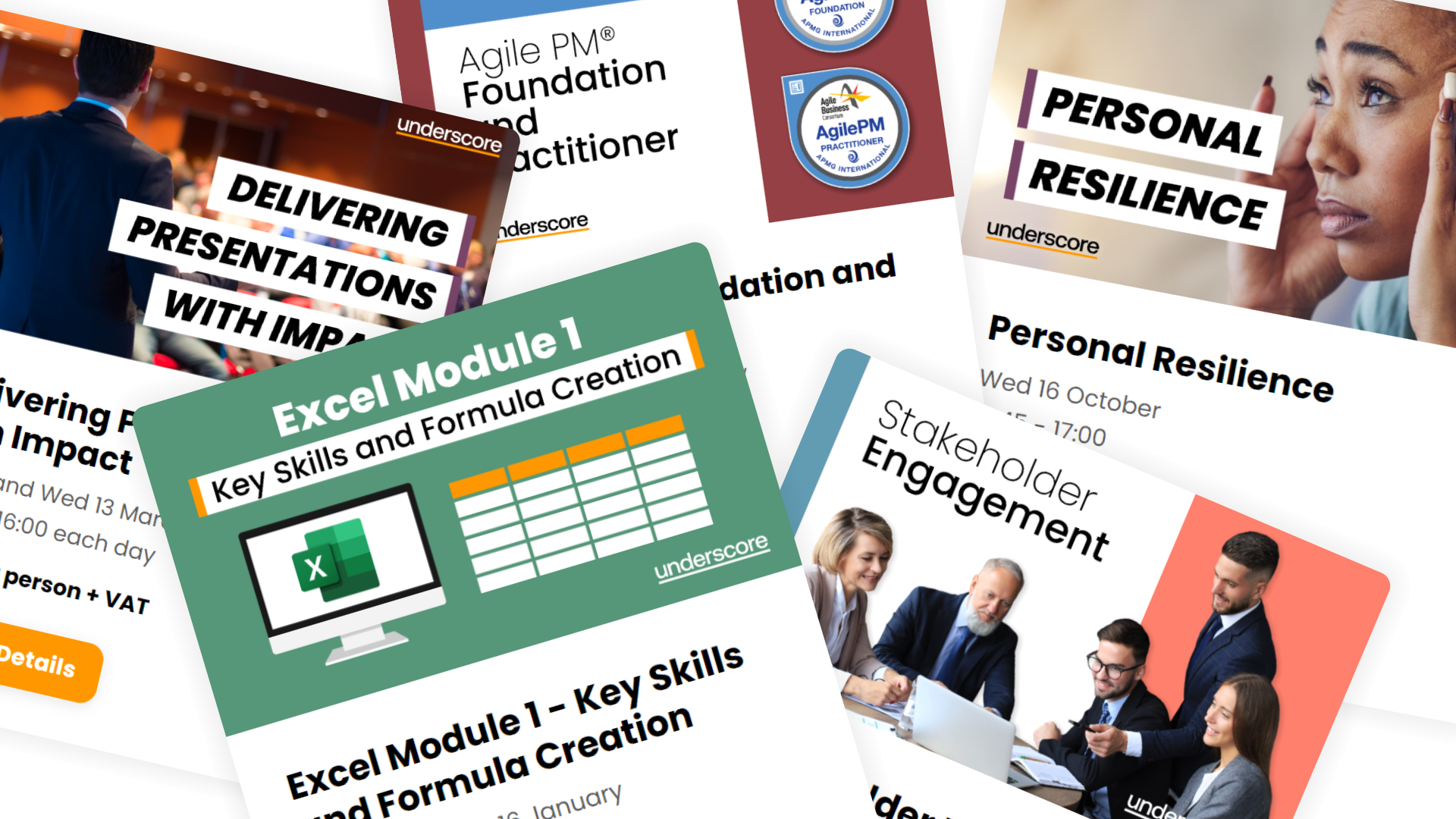
Public Training Programme
Explore our current selection of public courses, available as convenient and cost-effective virtual sessions.
Engage with expert instructors and a diverse peer group in an interactive, online learning environment.
Ideal for those valuing flexibility and affordability, our public courses are ideal where you only have small numbers requiring training and offer training from the comfort of your home or office.
Check Public DatesFull Training Catalogue
We deliver a wide range of training across Leadership, Personal Development, Project Management, and IT applications. Many organisations choose us because they can source both technical and people-focused training from one trusted provider.
Courses can be tailored to your organisation’s needs, making it easier to upskill teams consistently across different areas. Whether you want to build management capability, strengthen project delivery, or boost everyday software skills, you’ll find relevant options in our catalogue.